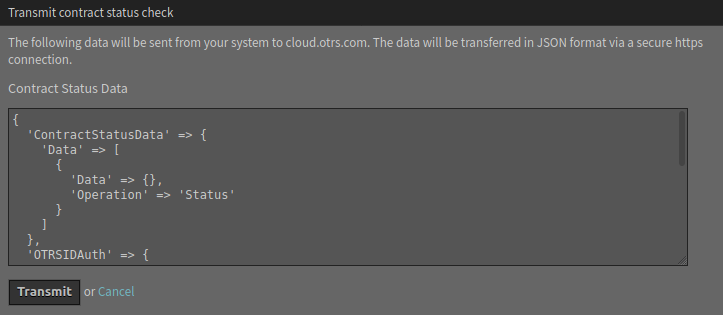
There is a change in the system configuration that restricts the normal communication between the STORM instance and the OTRS Group.
Due to the communication restriction, it is not possible to sent the registration information on a regular basis. In the OTRS framework this is handled by the daemon, but in STORM this is not done automatically. However, there is a separate module STORM in the OTRS Group Services group of the administrator interface. Use this screen to send registration updates and contract status checks manually, to fit the conditions of your security environment.
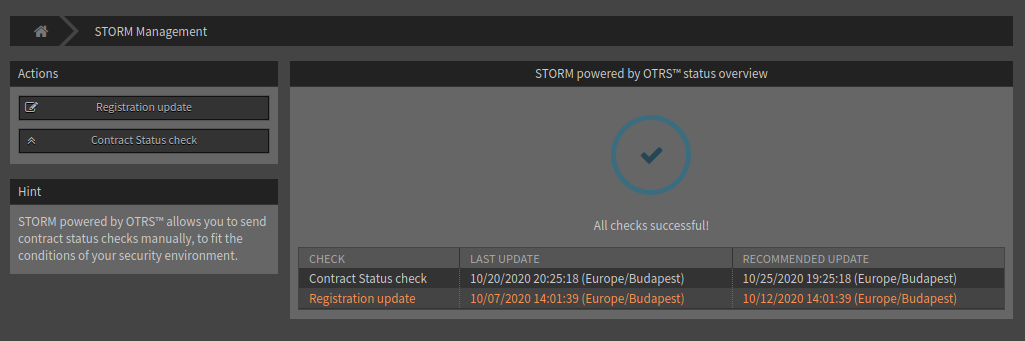
The preview of the data to be sent can be reviewed before sending it. This method ensures that no sensitive data will be send to OTRS Group.
To send a registration update:
-
Click on the Registration Update button in the left sidebar.
-
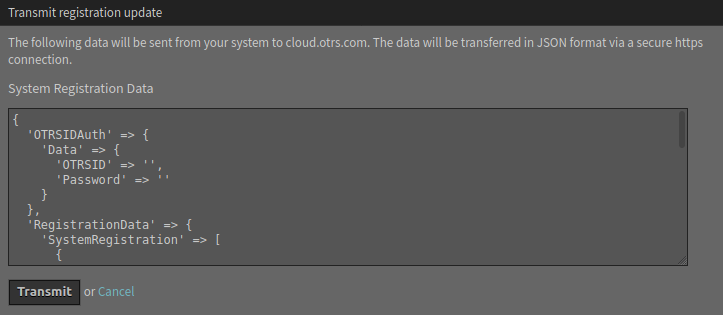
Review the system registration data that going to be sent to the OTRS Group.
-
Make sure, that the communication is not blocked to the OTRS Group.
-
Click on the Transmit button.
To check the contract status:
-
Click on the Contract Status Check button in the left sidebar.
-
Review the contract status data that going to be sent to the OTRS Group.
-
Make sure, that the communication is not blocked to the OTRS Group.
-
Click on the Transmit button.